About Media Converter: Converter App
Thank you for choosing our format conversion product. This user guide will provide you with step-by-step instructions on how to utilize the main features of our product, which include audio-to-audio conversion,...
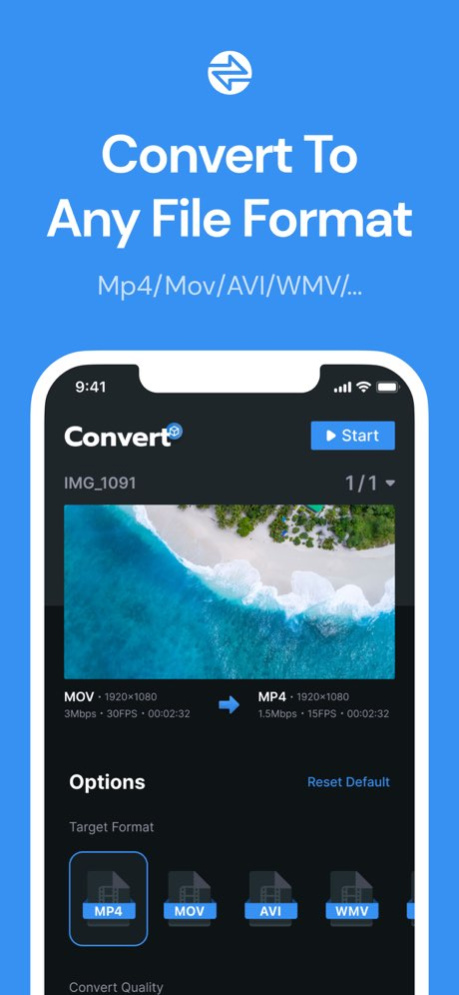
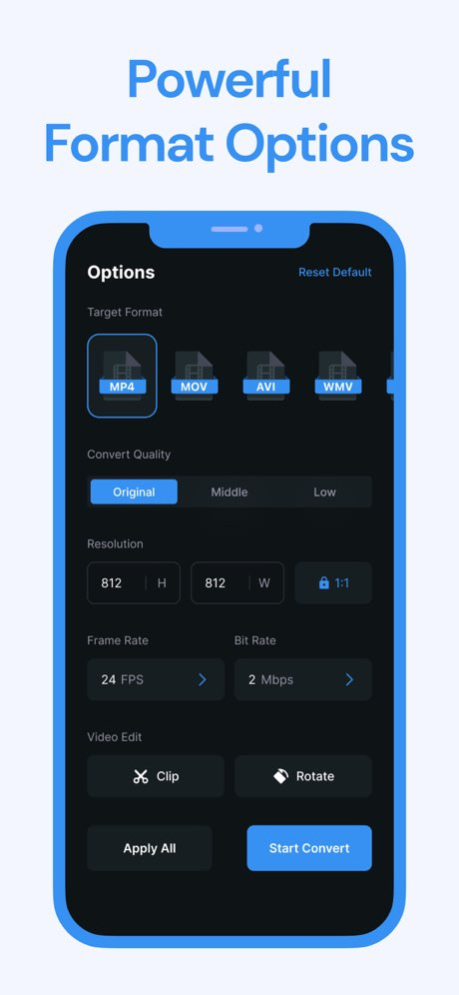
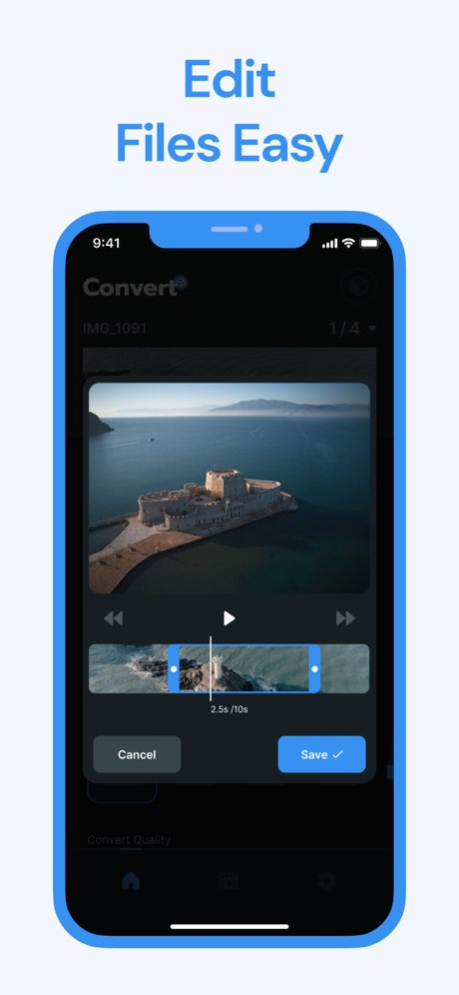
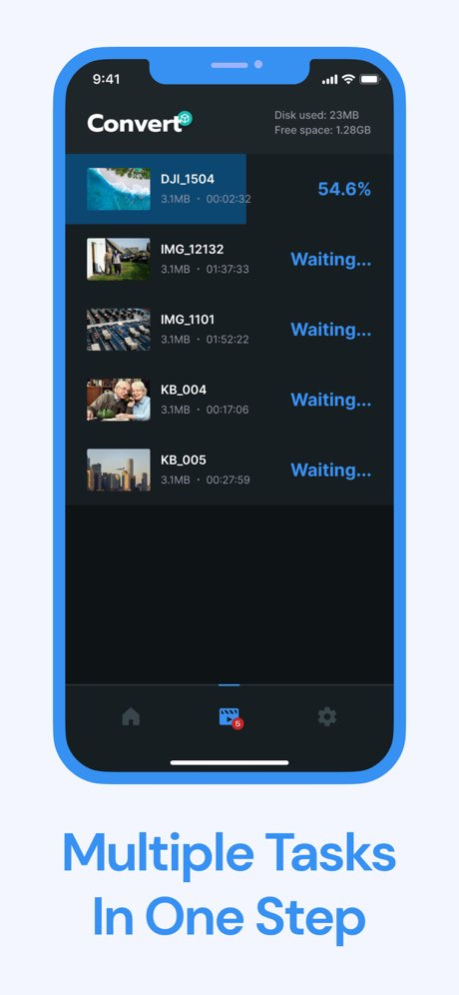
Thank you for choosing our format conversion product. This user guide will provide you with step-by-step instructions on how to utilize the main features of our product, which include audio-to-audio conversion, video-to-video conversion, and video-to-audio conversion. By following these instructions, you will be able to effortlessly convert various media formats according to your requirements. Main Features: Audio-to-Audio Conversion Video-to-Video Conversion Video-to-Audio Conversion Note: Please ensure that you have the necessary files and formats ready for the conversion process before proceeding with the format conversion. Instructions: Our product allows to convert audio files from one format to another. Follow these steps to perform audio-to-audio conversion: Step 1: Launch the format conversion application. Step 2: Click on the want to convert option in the main menu. Step 3: Select the source audio file you want to convert by clicking on the "Browse" button and navigating to the location of the file. Step 4: Choose the desired output files format from the available options. Step 5: Set the output destination for the converted file by specifying the desired folder. Step 6: Click on the "Convert" button to start the conversion process. Step 7: Wait for the conversion to complete. The progress bar will indicate the status. Step 8: Once the conversion is finished, you will find the converted file in the specified output folder. Conclusion: Congratulations! You have successfully learned how to use our format conversion product to convert audio files, video files, and extract audio from videos. Enjoy the flexibility and convenience of managing different media formats with ease. Should you have any further questions or encounter any issues, please refer to the product documentation or contact our customer support for assistance. Subscriptions automatically renew lifetime depending on your plan unless auto-renew is turned off at least 24-hours before the end of the current period. Plans are priced at $29.99USD/lifetime (pricing may vary in countries other than the U.S.). Payment will be charged to your iTunes Account at confirmation of purchase. To avoid automatic renewal, you must turn off auto-renew at least 24 hours before your subscription ends. You can turn off auto-renew at any time from your iTunes Account Settings. Terms of Use: https://sites.google.com/view/mediaconverter-terms-of-use/home Privacy Policy: https://sites.google.com/view/mediaconverter-privacy-policy/home
Version History Fixed Bugs Improved User Experience Miscellaneous Improvements 1.0.1 07/11/2023 1.0.0 06/25/2023
Previous Versions
Here you can find the changelog of Media Converter: Converter App since it was posted on our website on 2025-03-24 13:05:46.
The latest version is 1.0.1 and it was updated on 2026-10-07 05:15:02. See below the changes in each version.
Media Converter: Converter App version 1.0.1
Updated At: 2026-10-06
Changes: Version History Fixed Bugs
Improved User Experience
Miscellaneous Improvements 1.0.1 07/11/2023 1.0.0 06/25/2023
Media Converter: Converter App version 1.0.1
Updated At: 2023-07-11
Changes: Fixed Bugs
Improved User Experience
Miscellaneous Improvements
Media Converter: Converter App version 1.0.1
Updated At: 2023-07-11
Changes: Jul 11, 2023
Version 1.0.1
Fixed Bugs
Improved User Experience
Miscellaneous Improvements
Disclaimer
Official App Store Link
We do not host Media Converter: Converter App on our servers. We did not scan it for viruses, adware, spyware or other type of malware. This app is hosted by Apple and passed their terms and conditions to be listed there. We recommend caution when installing it.
The App Store link for Media Converter: Converter App is provided to you by apps112.com without any warranties, representations or guarantees of any kind, so access it at your own risk.
If you have questions regarding this particular app contact the publisher directly. For questions about the functionalities of apps112.com contact us.